 Audio Cable
 Bluetooth Neckband
 Earphone Cases
 Earphones
 Eartips
 Bluetooth Earphones & Headphones
 Over Headphone
 Speakers
 TWS Earbuds
 Adapter
 Cable
Cable Cable Organizer
 Card Readers
 Converter & Hub
 iPad Cases & Covers
 Mouse & Keyboard
 Laptop Bags & Cases
 Laptop stand
 Alarm Clock
 Blender & Juicer
 Electric Kettle & Thermos
 Fan
Fan Flash Light
 Fridge
 Household Equipment
 Humidifier
 Kitchen Appliances
 Plugs & Sockets
 Smart Electronics
 Rice Cooker
 Steamer Iron
 Vacuum Cleaner
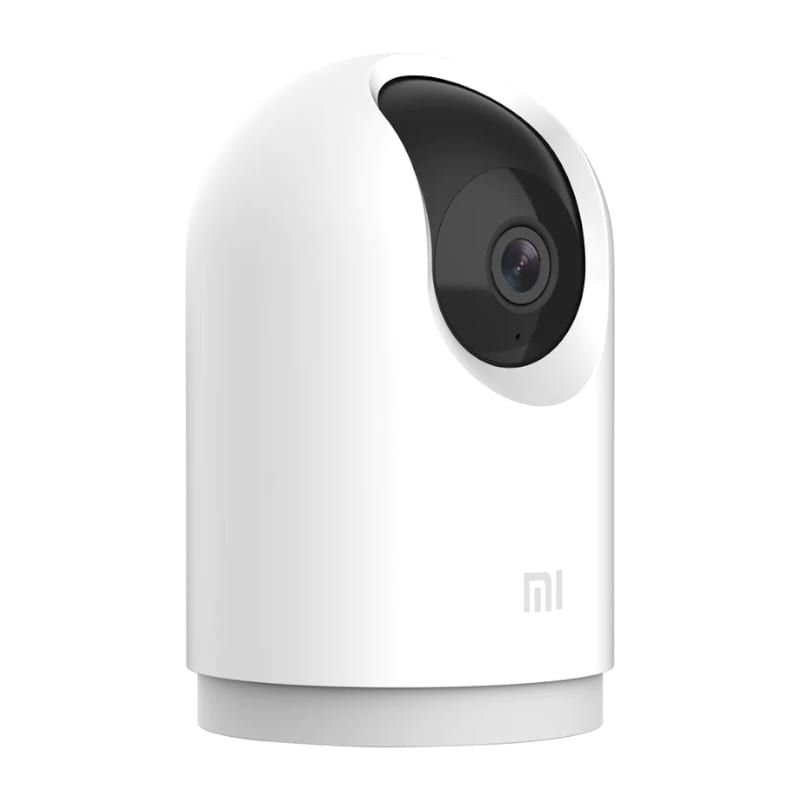 Security Cameras
 Mosquito Killer
 For Child
 Electric Massagers
 Backpacks
 Bags
Bags Body Care & Beauty
 Sunglass
 Toothbrush
 Trimmer
 Umbrella
 Wallet
 Weight Scales
 Light & Lighting
 Portable DAC/AMP’s
 Charger
 Battery
 Covers & Cases
 Mobile Phone Cases
 Mobile Phone Holders & Stands
 Power Bank
 Remote Controls
 Screen Protector
 Router
 Selfie Stick
 Fitness Band
 Smart Watches
 Watch Accessories
 Tripod & Accessories
 Microphones
 TV & Media Box



-
 Courier delivery
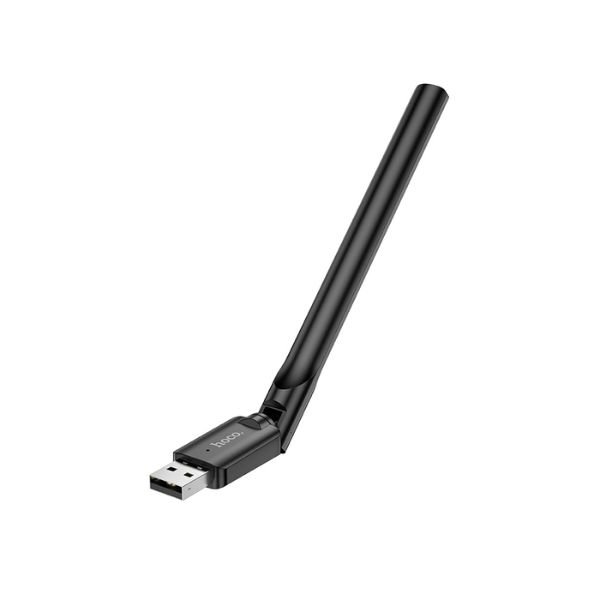
HOCO HI32 USB 150Mbps 3dBi Wi-Fi Adapter – Compact, Stable Wireless N Connectivity for PC & Laptops at GearBaba
HOCO HI32 USB 150Mbps 3dBi Wi-Fi Adapter – Reliable Wireless Connectivity for Your PC & Laptop at GearBaba
For users whose desktop PCs lack built-in Wi-Fi or whose laptop’s integrated wireless capabilities are weak or outdated, the HOCO HI32 USB 150Mbps 3dBi Wi-Fi Adapter offers an affordable and effective solution. From Hoco, a brand well-known for producing practical and accessible electronic accessories, the HI32 delivers stable wireless connectivity for everyday internet usage. Its compact design and easy setup make it an ideal choice for quick Wi-Fi upgrades. Find this essential networking tool in our Networking & Ethernet Cables category or Computer Accessories at GearBaba.
The HOCO HI32 USB Wi-Fi Adapter is designed to provide reliable wireless internet access for your PC or notebook. It operates on the IEEE 802.11b/g/n wireless standard, which supports a maximum transmission rate of 150Mbps on the 2.4GHz frequency band. While 150Mbps is not the fastest available speed, it is perfectly sufficient for common online activities such as web Browse, email, social media, standard definition video streaming, and casual online gaming.
A notable feature of the HI32 is its external 3dBi antenna. Unlike many mini USB Wi-Fi adapters that have internal antennas, the external antenna of the HI32 helps in improving signal reception and extending the wireless range. This can be particularly beneficial in areas with weaker Wi-Fi signals or when your device is further away from the router, leading to a more stable and consistent connection.
Powered by the RTL8188GU chip scheme, the adapter ensures stable operation and reliable performance. It connects to your device via a standard USB 2.0 interface, offering universal compatibility and plug-and-play functionality on most supported operating systems.
The HOCO HI32 is broadly compatible with Windows and Linux operating systems. Users should note that it does not support iOS devices. This makes it an excellent choice for desktop computers that need Wi-Fi capabilities or older laptops with malfunctioning wireless cards. For security, the adapter supports a range of encryption protocols, including WPA-WEP, WPA-PSK, WPA2-PSK, and the latest WPA3, ensuring your wireless connections are secure and protected.
With its compact size (174 x 19 x 12.5mm) and incredibly light weight (just 5g), the HI32 is highly portable. Its sleek black design also ensures it blends in discreetly with your computer setup.
Key Features
- 150Mbps Wireless N Speed: Provides a reliable 150Mbps transmission rate, suitable for basic internet tasks, streaming, and Browse.
- External 3dBi Antenna: Enhances signal reception and extends wireless range, improving connection stability in areas with weaker signals.
- IEEE 802.11b/g/n Standard: Compatible with widely used wireless routers and access points on the 2.4GHz frequency.
- RTL8188GU Chipset: Ensures stable and efficient wireless performance.
- USB 2.0 Interface: Easy plug-and-play installation with broad compatibility for PC and notebooks.
- Broad System Compatibility: Supports Windows and Linux operating systems (does not support iOS).
- Advanced Security Protocols: Supports WPA-WEP, WPA-PSK, WPA2-PSK, and WPA3 for secure wireless connections.
- Ultra-Compact & Lightweight: Extremely portable design (174 x 19 x 12.5mm, 5g) for easy transport and discreet use.
- Versatile Application: Ideal for adding Wi-Fi to desktop PCs or replacing/upgrading wireless capabilities on laptops.
Product Specifications


FAQs
Q1: What is the maximum speed of the Hoco HI32 Wi-Fi adapter? The Hoco HI32 supports a maximum transmission rate of 150Mbps (Megabits per second), which is based on the 802.11n standard.
Q2: Does it work with desktop computers and laptops? Yes, the Hoco HI32 is designed for use with both desktop PCs and notebooks that have an available USB 2.0 port.
Q3: Is the antenna internal or external? The Hoco HI32 features an external 3dBi antenna, which helps improve signal reception and range compared to adapters with only internal antennas.
Q4: Is it compatible with macOS or iOS devices? No, the Hoco HI32 explicitly states that it supports Windows and Linux systems but does not support iOS. Compatibility with macOS is generally not listed.
Q5: Do I need to install any drivers for this adapter? While it’s often described as plug-and-play, for some older Windows or specific Linux distributions, you might need to manually install drivers. Typically, modern Windows versions will install it automatically.
Why Buy from GearBaba?
- Authentic HOCO Products: At GearBaba, we guarantee that all our products, including the HOCO HI32 USB 150Mbps 3dBi Wi-Fi Adapter, are 100% genuine and sourced from authorized distributors, ensuring reliability and performance.
- Competitive Pricing: We strive to offer the most competitive prices for the HOCO HI32 USB 150Mbps 3dBi Wi-Fi Adapter in Bangladesh, providing an affordable solution for your wireless networking needs. Explore our current offers at GearBaba.
- Dedicated Customer Support: Our team at GearBaba is always ready to provide quick assistance and hassle-free support for your purchases, ensuring a smooth and satisfactory shopping experience.
- Fast & Secure Delivery: Get your HOCO HI32 USB 150Mbps 3dBi Wi-Fi Adapter delivered swiftly and securely to your doorstep anywhere in Bangladesh with convenient payment options through GearBaba.
- Trusted Networking Accessories Provider: GearBaba is a reliable destination for computer components and networking accessories in Bangladesh, committed to providing practical and effective solutions for your digital life.
Related Products

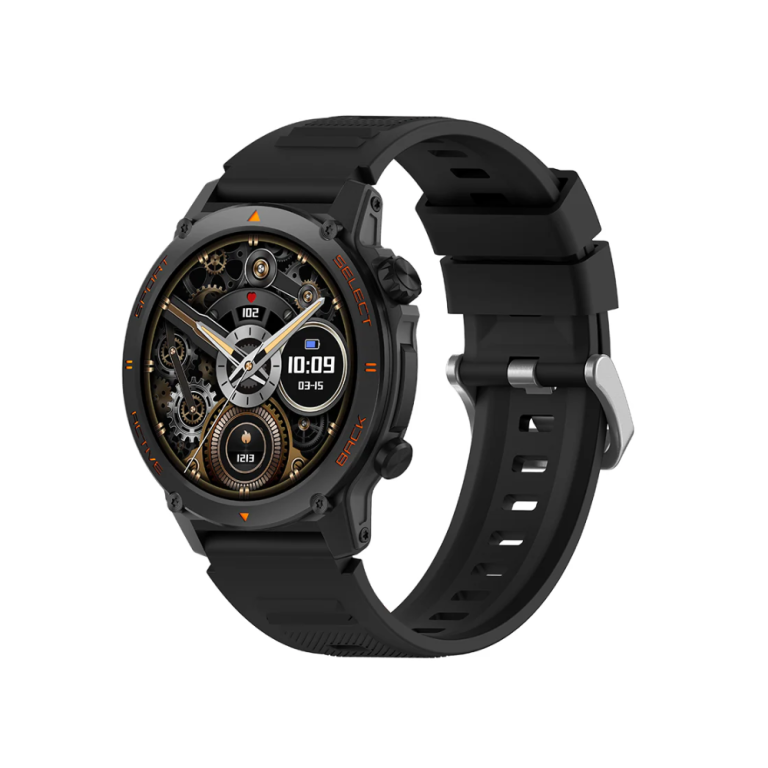
KUMI GT3 Fit Smart Watch – Bluetooth Calling, AMOLED Display, AI Fitness Tracker, Waterproof Smartwatch for Men & Women
In stock
4,390৳
Select options
This product has multiple variants. The options may be chosen on the product page
Reviews
There are no reviews yet