
 Audio Cable
 Bluetooth Neckband
 Earphone Cases
 Earphones
 Eartips
 Bluetooth Earphones & Headphones
 Over Headphone
 Speakers
 TWS Earbuds
 Adapter
 Cable
Cable Cable Organizer
 Card Readers
 Converter & Hub
 iPad Cases & Covers
 Mouse & Keyboard
 Laptop Bags & Cases
 Laptop stand
 Alarm Clock
 Blender & Juicer
 Electric Kettle & Thermos
 Fan
Fan Flash Light
 Fridge
 Household Equipment
 Humidifier
 Kitchen Appliances
 Plugs & Sockets
 Smart Electronics
 Rice Cooker
 Steamer Iron
 Vacuum Cleaner
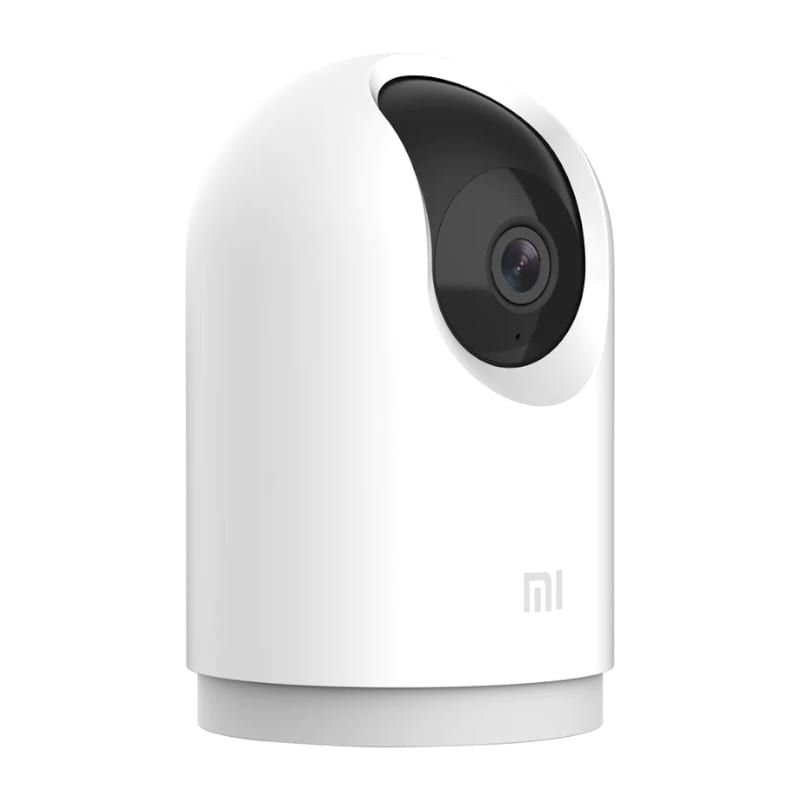 Security Cameras
 Mosquito Killer
 For Child
 Electric Massagers
 Backpacks
 Bags
Bags Body Care & Beauty
 Sunglass
 Toothbrush
 Trimmer
 Umbrella
 Wallet
 Weight Scales
 Light & Lighting
 Portable DAC/AMP’s
 Charger
 Battery
 Covers & Cases
 Mobile Phone Cases
 Mobile Phone Holders & Stands
 Power Bank
 Remote Controls
 Screen Protector
 Router
 Selfie Stick

 Fitness Band
 Smart Watches
 Watch Accessories
 Tripod & Accessories
 Microphones
 TV & Media Box



-
 Courier delivery
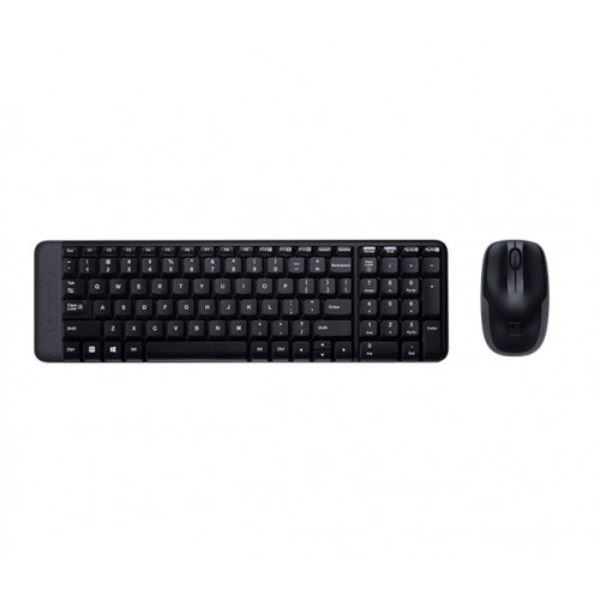
Logitech MK220 Wireless Combo Keyboard and Mouse – The Space-Saving Solution
The Logitech MK220 Wireless Combo Keyboard and Mouse is a popular and practical solution for anyone looking to declutter their desk and enjoy the freedom of a wireless setup.It’s an ideal choice for home users, students, and professionals with limited desk space who still need a reliable and comfortable typing and navigation experience. As a key product from the world-renowned brand Logitech, a global leader in computer peripherals, this combo is a valuable addition to our Keyboard & Mouse Combos and Computer Accessories collections. GearBaba is your trusted source for genuine products, and we are proud to offer this product to help you create a more organized and efficient workspace.
The core of the Logitech MK220‘s appeal is its clever design. The keyboard is approximately 36% smaller than a standard keyboard, yet it still features all the standard keys, including a 10-key number pad. This space-saving design is perfect for tight workspaces, allowing you to place your mouse closer to the keyboard for better ergonomics. The keys are low-profile and provide a quiet and comfortable typing experience.
The included wireless mouse is equally compact and portable. Its ambidextrous design makes it comfortable for both left and right-handed users. The mouse features smooth optical tracking and a three-button layout with a scroll wheel for easy navigation. Both the keyboard and mouse connect to your computer via a single, tiny USB nano receiver using advanced 2.4 GHz wireless technology. This provides a reliable and virtually delay-free connection with a range of up to 10 meters (33 feet).
One of the standout features of the MK220 is its impressive battery life. The keyboard can last for up to 24 months on two AAA batteries, while the mouse can last for up to 12 months on two AA batteries, thanks to its auto-sleep power-saving technology. This minimizes the hassle of frequent battery changes.
The combo is built with Logitech’s high-quality standards. The keyboard has a spill-resistant design, protecting it from minor accidents and ensuring durability. The setup is incredibly simple with plug-and-play functionality, requiring no additional software—you simply plug in the nano receiver, and you’re ready to go.
Key Features
- Compact, Space-Saving Design: The keyboard is 36% smaller than a standard keyboard, while still including a full number pad.
- Advanced 2.4 GHz Wireless: Provides a strong, reliable, and lag-free connection with a 10-meter range.
- Long Battery Life: The keyboard offers up to 24 months of battery life, and the mouse up to 12 months.
- Plug-and-Play Simplicity: Simple setup with a single USB nano receiver—no software required.
- Spill-Resistant Design: Protects the keyboard from accidental liquid spills, adding to its durability.
- Portable and Ambidextrous Mouse: The compact mouse is comfortable for both left- and right-handed users.
- Quiet, Deep-Profile Keys: Provides a comfortable and silent typing experience.
Product Specifications


What’s Inside the Box
The retail packaging for the Logitech MK220 Wireless Combo typically includes the following items:
- 1 x Logitech MK220 Keyboard
- 1 x Logitech Wireless Mouse
- 1 x USB Nano Receiver
- 2 x AAA batteries (for keyboard)
- 2 x AA batteries (for mouse)
- 1 x User Documentation
FAQs
Q1: Is the Logitech MK220 combo good for gaming? A1: The Logitech MK220 is a great combo for general use and casual gaming. For professional or competitive gaming, a dedicated gaming keyboard and mouse would be more suitable.
Q2: Does the keyboard have indicator lights for Caps Lock or Num Lock? A2: No, to maintain its compact and minimalist design, the MK220 keyboard does not have dedicated indicator lights for Caps Lock or Num Lock.
Q3: Can I use the receiver to connect other Logitech devices? A3: No, the receiver that comes with the MK220 combo is not a Logitech Unifying Receiver, so it cannot be paired with other Logitech devices.
Q4: How do I set up the keyboard and mouse? A4: Setup is extremely easy. Simply insert the batteries, plug the tiny USB nano receiver into an available USB port on your computer, and the devices will connect automatically. No software installation is needed.
Why Buy from GearBaba?
- Guaranteed Original Product: We provide only 100% genuine Logitech products, ensuring you receive an authentic, high-quality wireless combo.
- Convenient & Space-Saving: The compact design helps you declutter your workspace and is perfect for travel.
- Long-Lasting Performance: With exceptional battery life and a durable, spill-resistant design, this combo is built to last.
- Best Price in Bangladesh: At GearBaba, we are committed to offering this reliable wireless combo at the most competitive price in the market.
- Expert Support: Our team is knowledgeable about all of our products and can provide expert advice to help you choose the right gear for your needs.
Related Products

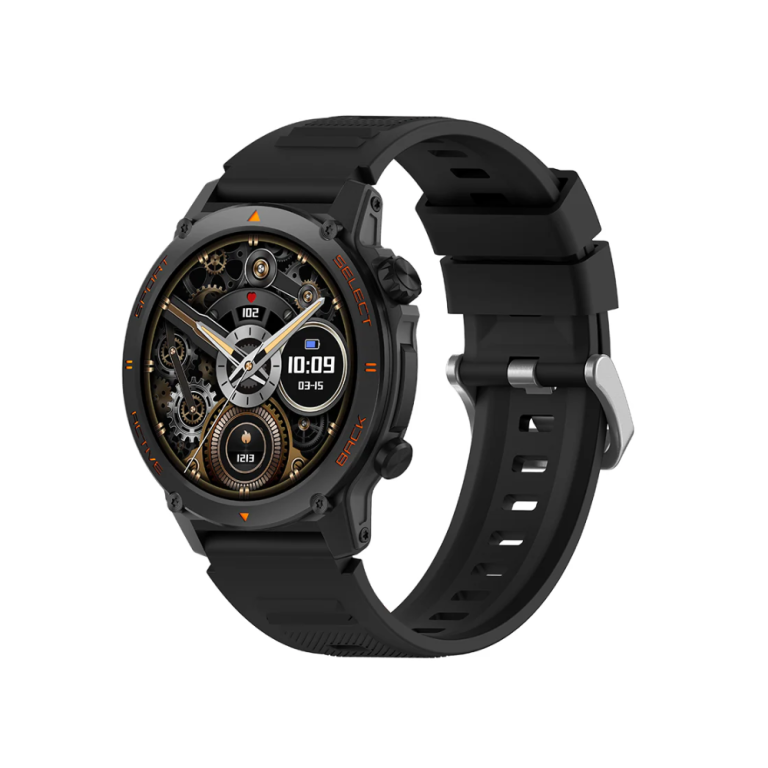
KUMI GT3 Fit Smart Watch – Bluetooth Calling, AMOLED Display, AI Fitness Tracker, Waterproof Smartwatch for Men & Women
In stock
4,390৳
Select options
This product has multiple variants. The options may be chosen on the product page
Reviews
There are no reviews yet